
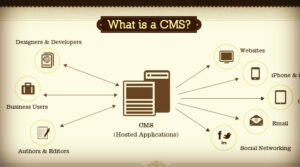
In today’s digital age, managing content efficiently is crucial for businesses and individuals alike. Whether you’re running a personal blog, an e-commerce store, or a corporate website, a Content Management System (CMS) can be a game-changer. But what exactly is a CMS, and how can it benefit you? This guide will walk you through the basics, features, benefits, and considerations of choosing a CMS, all in simple terms.
What is a Content Management System (CMS)?
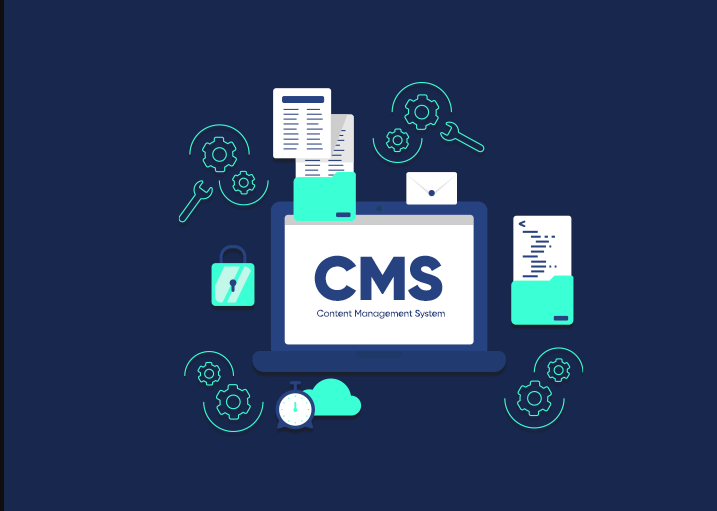
A Content Management System (CMS) is a software application that allows users to create, edit, manage, and publish digital content without needing to write code. It provides a user-friendly interface that simplifies the process of managing websites and digital content. Think of it as a digital workspace where you can organize your content and easily make updates.
Key Features of a CMS
A Content Management System (CMS) comes equipped with a variety of features designed to simplify the process of managing digital content. Here are some of the key features that make a CMS an essential tool for website management:
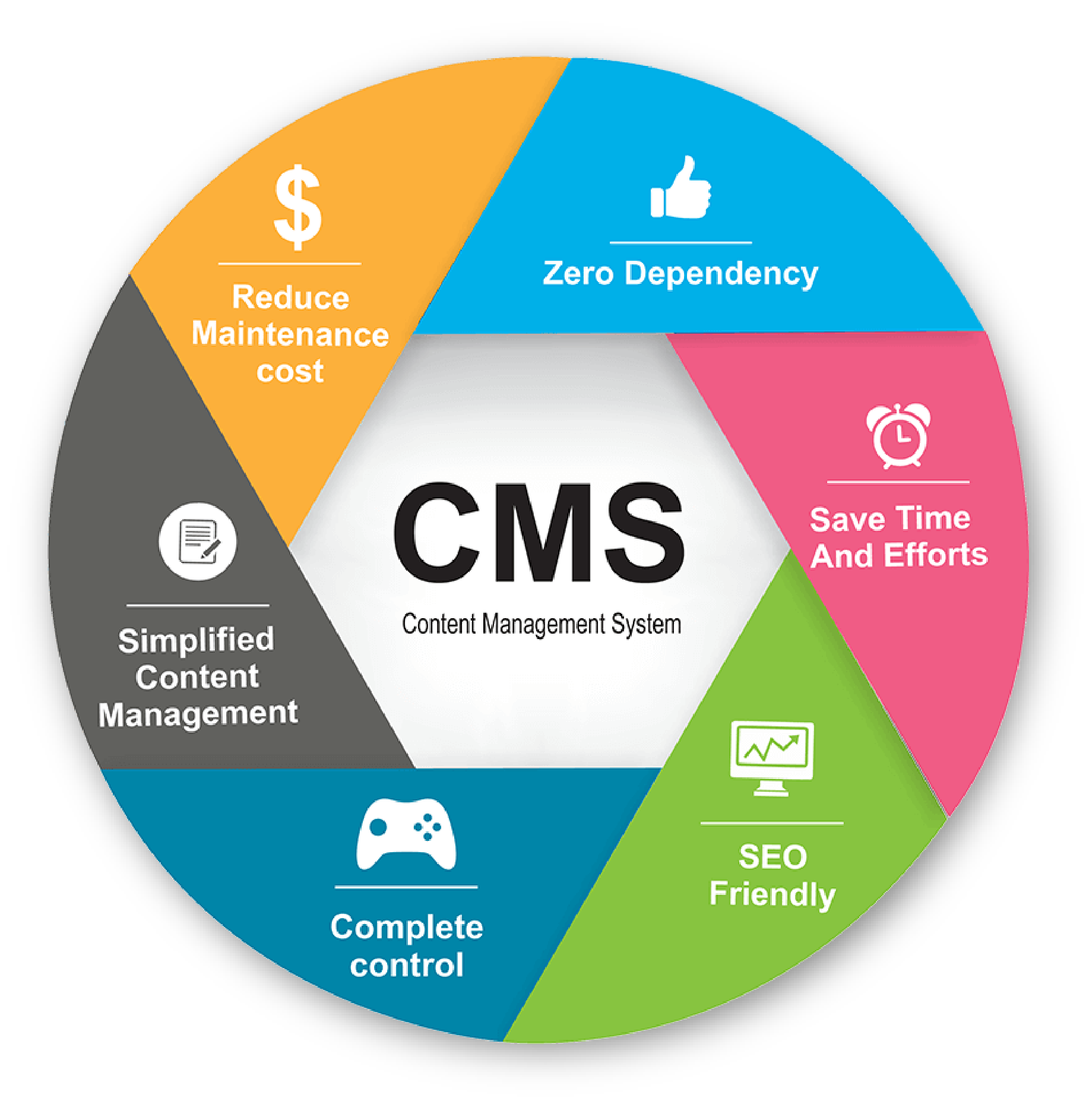
- User-Friendly Interface: Most Content Management System (CMS) platforms have a graphical interface that makes it easy for non-technical users to manage content.
- Content Creation and Editing: A CMS allows users to create and edit content using a WYSIWYG (What You See Is What You Get) editor, similar to a word processor.
- Media Management: Easily upload, manage, and insert images, videos, and other media files into your content.
- Templates and Themes: Use pre-designed templates and themes to give your website a professional look without needing design skills.
- Plugins and Extensions: Enhance the functionality of your CMS with plugins and extensions for SEO, social media integration, e-commerce, and more.
- User Management: Control who can access and edit your content with different user roles and permissions.
- SEO Tools: Built-in tools to help optimize your content for search engines, improving your site’s visibility.
- Multilingual Support: Create content in multiple languages to reach a global audience.
- Analytics and Reporting: Track your website’s performance with built-in analytics and reporting features.
Popular CMS Platforms
There are several Content Management Systems (CMS) available, each with its own set of features, strengths, and weaknesses. Here are some of the most popular CMS platforms used today:
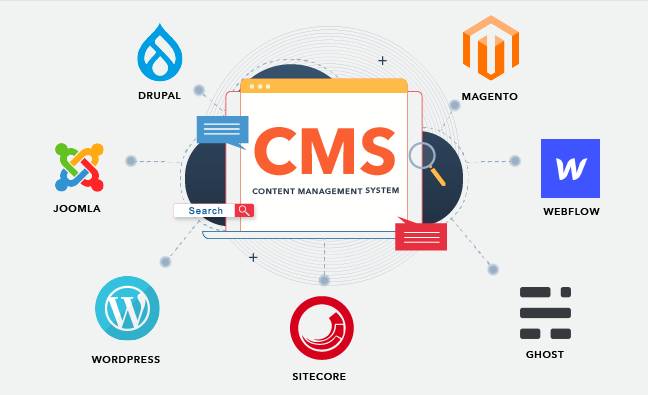
WordPress: WordPress is the world’s most widely used CMS, powering over 40% of all websites. It started as a blogging platform but has evolved into a versatile CMS capable of handling any type of website.
Joomla: Joomla is a powerful and flexible CMS known for its robust content management capabilities and flexibility.
Drupal: Drupal is a highly customizable and scalable Content Management System (CMS), favored by developers and large organizations for its robustness and flexibility.
Wix: Wix is a user-friendly website builder that offers a drag-and-drop interface, making it easy for anyone to create a website without technical skills.
Squarespace: Squarespace is known for its stunning design templates and user-friendly interface, making it a popular choice for creatives.
Magento: Magento is a specialized CMS for e-commerce websites, offering extensive features tailored to online stores.
Benefits of Using a Content Management System (CMS)
1. Ease of Use
One of the primary benefits of a CMS is its ease of use. You don’t need to be a web developer or have coding skills to create and manage your website. The intuitive interface allows you to add, edit, and format content quickly and easily.
2. Efficiency
A Content Management System (CMS) streamlines the process of content management. Instead of manually coding each page, you can use templates and themes to maintain a consistent look and feel across your site. This saves time and ensures uniformity.
3. Collaboration
With a Content Management System (CMS), multiple users can work on the same website simultaneously. You can assign different roles and permissions, allowing team members to contribute content, make edits, and manage specific sections of the site.
4. SEO-Friendly
Many CMS platforms come with built-in SEO tools that help you optimize your content for search engines. This includes features like customizable URLs, meta tags, and easy integration with analytics tools to monitor your site’s performance.
5. Cost-Effective
Using a CMS can be more cost-effective than hiring a web developer for every update. Many CMS platforms are open-source and free to use, with additional plugins and themes available at reasonable prices.
6. Scalability
As your business grows, your website can grow with it. A CMS makes it easy to add new pages, features, and functionalities without overhauling your entire site.
7. Security
CMS platforms are regularly updated to address security vulnerabilities. Additionally, there are numerous security plugins and best practices that you can implement to protect your website from threats.
How to Choose the Right CMS
Selecting the right Content Management System (CMS) for your needs depends on several factors. Here are some considerations to keep in mind:
1. Purpose and Goals
Identify the primary purpose of your website. Is it a blog, an e-commerce store, a corporate site, or a portfolio? Different CMS platforms cater to different needs. For instance, WordPress is great for blogs and general websites, while Magento is ideal for e-commerce.
2. Ease of Use
Consider your technical expertise and that of your team. If you’re a beginner, look for a CMS with a user-friendly interface and plenty of tutorials and support.
3. Customization and Flexibility
Assess how much customization you need. If you require extensive customization, choose a Content Management System (CMS) that offers robust development tools and flexibility, like Drupal.
4. Budget
Determine your budget for the CMS. While many CMS platforms are free, you may need to invest in premium themes, plugins, or hosting services.
5. Community and Support
A strong community and good support options can be invaluable. Look for a CMS with an active user community, extensive documentation, and responsive customer support.
6. Security Features
Ensure the CMS you choose has strong security features and a track record of regular updates and patches to address vulnerabilities.
7. Performance
Consider the performance and speed of the CMS. A fast-loading website is crucial for user experience and SEO. Check reviews and performance benchmarks of different CMS platforms.
Setting Up Your CMS
Once you’ve chosen your Content Management System (CMS), setting it up involves a few steps:
1. Choose a Hosting Provider
Select a reliable hosting provider that supports your chosen CMS. Some CMS platforms offer their own hosting solutions (e.g., WordPress.com, Wix).
2. Install the CMS
Most hosting providers offer one-click installations for popular CMS platforms. Follow the instructions provided by your host to install the CMS on your server.
3. Select and Install a Theme
Choose a theme that suits your website’s purpose and design preferences. Many CMS platforms offer free and premium themes. Install and activate your chosen theme.
4. Add Essential Plugins
Enhance your CMS with essential plugins for SEO, security, performance optimization, and other functionalities. Be mindful of not overloading your site with too many plugins, as this can affect performance.
5. Create and Organize Content
Start creating your content. Use categories, tags, and menus to organize your content logically and make it easy for visitors to navigate.
6. Configure Settings
Adjust your CMS settings to match your preferences. This includes configuring SEO settings, setting up backups, and ensuring your site is secure.
Maintaining Your CMS
Regular maintenance is crucial to keep your Content Management System (CMS) running smoothly and securely. Here are some maintenance tasks to consider:
1. Update Regularly
Keep your CMS, themes, and plugins up to date to ensure you have the latest features and security patches.
2. Backup Your Site
Regularly back up your website to prevent data loss in case of an emergency. Many plugins and hosting providers offer automated backup solutions.
3. Monitor Performance
Use analytics tools to monitor your website’s performance and identify areas for improvement. Ensure your site loads quickly and provides a good user experience.
4. Secure Your Site
Implement security best practices, such as using strong passwords, installing security plugins, and enabling SSL encryption.
5. Review Content
Periodically review your content to ensure it remains relevant and up-to-date. Remove outdated content and update existing posts to reflect current information.
Conclusion
A Content Management System (CMS) is an invaluable tool for managing digital content efficiently and effectively. Whether you’re a beginner or a seasoned web developer, a CMS can simplify the process of creating, editing, and maintaining your website. By understanding the key features, benefits, and considerations of different CMS platforms, you can choose the right one for your needs and ensure your website remains a powerful asset for your business or personal brand.
In today’s fast-paced digital world, having a robust CMS is not just an advantage; it’s a necessity. Embrace the power of a CMS and take control of your digital presence with confidence.