
Introduction
Server errors can be a major headache for website owners, developers, and users. These errors, typically signified by various HTTP status codes, can disrupt the functionality of a website, hinder user experience, and even impact search engine rankings. Understanding the causes and solutions for server errors is crucial for maintaining a smooth and efficient web presence. This comprehensive guide will explore the different types of server errors, their causes, and the steps to fix them.

Understanding Server Errors
Server errors fall under the 5xx category of HTTP status codes, indicating that the server encountered an issue while processing the request. Here are some common server errors:
- 500 Internal Server Error: A generic error indicating that something went wrong on the server side.
- 501 Not Implemented: The server does not support the functionality required to fulfill the request.
- 502 Bad Gateway: The server received an invalid response from an inbound server.
- 503 Service Unavailable: The server is temporarily unable to handle the request, often due to maintenance or overloading.
- 504 Gateway Timeout: The server did not receive a timely response from an upstream server.
- 505 HTTP Version Not Supported: The server does not support the HTTP protocol version used in the request.
Common Causes of Server Errors
To effectively fix server errors, it’s important to understand their underlying causes. Here are some common reasons for server errors:
1. Server Overload
When a server receives more requests than it can handle, it may become overloaded, leading to server errors. This can happen during traffic spikes, DDoS attacks, or due to inadequate server resources.
2. Software Bugs
Bugs in the server’s software, such as web server applications, database systems, or scripts, can cause errors. These bugs might result from coding mistakes, compatibility issues, or failed updates.
3. Hardware Failures

Server hardware components, like hard drives, memory, or network cards, can fail and cause errors. Hardware issues often lead to downtime and require prompt attention to restore normal operation.
4. Configuration Issues
Incorrect server configurations, such as misconfigured web server settings, firewall rules, or database connections, can lead to server errors. Ensuring proper configuration is critical for stable server performance.
5. Resource Exhaustion
Servers have finite resources like CPU, memory, and disk space. If a server exhausts these resources, it may fail to process requests, resulting in errors. Resource monitoring and optimization are essential to prevent this.
6. Third-Party Services
Dependencies on third-party services, such as APIs, payment gateways, or external databases, can introduce errors if these services experience downtime or performance issues.
Diagnosing Server Errors
Before fixing server errors, accurate diagnosis is essential. Here are some steps to diagnose server errors effectively:
1. Check Server Logs
Server logs contain valuable information about errors and their causes. Common logs to check include:
- Web Server Logs: Logs from servers like Apache, Nginx, or IIS.
- Application Logs: Logs from web applications or scripts.
- Database Logs: Logs from database servers like MySQL, PostgreSQL, or MongoDB.
2. Monitor Server Performance
Monitoring tools like New Relic, Datadog, or Nagios can provide insights into server performance metrics such as CPU usage, memory consumption, and disk I/O. Identifying performance bottlenecks can help in diagnosing errors.
3. Use Debugging Tools
Debugging tools like Xdebug (for PHP), pdb (for Python), or gdb (for C/C++) can help identify code-related issues. These tools allow you to step through code, inspect variables, and pinpoint the source of errors.
4. Check Third-Party Services
If your application relies on third-party services, check their status pages or contact their support to ensure they are operational. Downtime or issues with these services can cause server errors.
Fixing Common Server Errors
Once the cause of a server error is identified, the next step is to fix it. Here are some common server errors and their potential solutions:
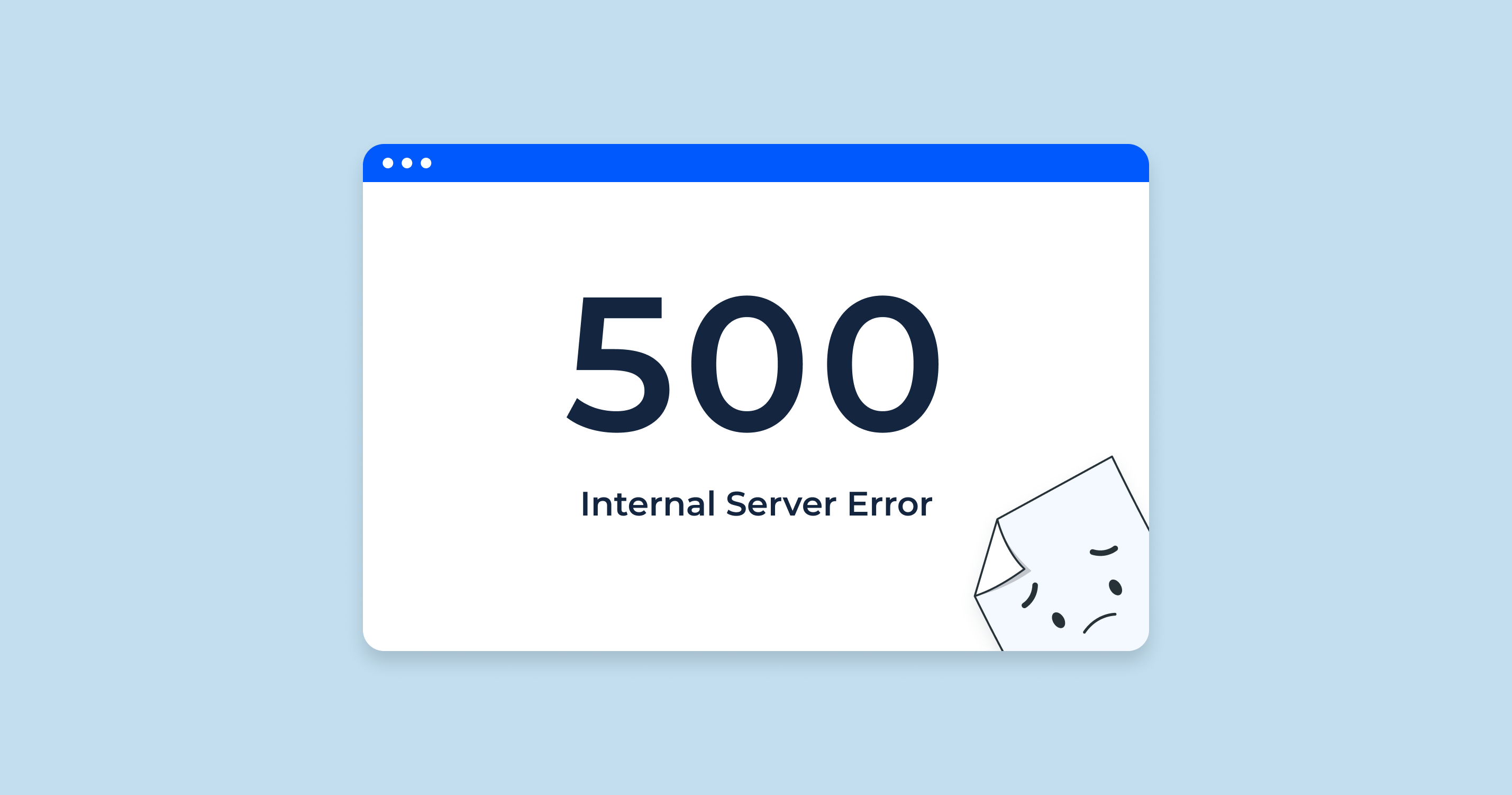
1. Fixing 500 Internal Server Error
A 500 Internal Server Error is a generic error indicating an issue on the server side. Here are some steps to fix it:
- Check Server Logs: Examine the server logs to identify specific error messages or stack traces that can provide clues about the issue.
- Debug Code: If the error is related to a web application or script, use debugging tools to identify and fix coding errors.
- Check File Permissions: Ensure that files and directories have the correct permissions. Incorrect permissions can cause server errors.
- Update Software: Ensure that all server software, including web server applications, frameworks, and libraries, are up to date.
- Increase Memory Limits: For memory-related issues, increase the memory limits in server configurations or scripts.
2. Fixing 502 Bad Gateway
A 502 Bad Gateway error occurs when a server receives an invalid response from an upstream server. Here are steps to fix it:
- Check Upstream Servers: Ensure that upstream servers (e.g., backend servers or proxies) are operational and responding correctly.
- Review Network Configurations: Check network configurations and firewall rules to ensure proper communication between servers.
- Restart Services: Restart web server services (e.g., Nginx, Apache) and upstream servers to resolve transient issues.
- Check DNS Settings: Verify DNS settings to ensure that domain names resolve to the correct IP addresses.
3. Fixing 503 Service Unavailable
A 503 Service Unavailable error indicates that the server is temporarily unable to handle requests. Here are steps to fix it:

- Reduce Server Load: Implement load balancing to distribute traffic across multiple servers and reduce the load on individual servers.
- Optimize Resource Usage: Optimize server configurations and applications to use resources efficiently. This can involve database query optimization, caching strategies, and code refactoring.
- Schedule Maintenance: If the server is undergoing maintenance, schedule it during low-traffic periods to minimize disruption.
- Increase Server Resources: Upgrade server hardware or allocate more resources (CPU, memory, bandwidth) to handle increased demand.
4. Fixing 504 Gateway Timeout
A 504 Gateway Timeout error occurs when a server does not receive a timely response from an upstream server. Here are steps to fix it:
- Check Upstream Servers: Ensure that upstream servers are operational and responding within the expected time frame.
- Optimize Network Performance: Check network performance and latency between servers. Reducing network congestion can help prevent timeouts.
- Increase Timeout Settings: Adjust timeout settings in server configurations to allow more time for upstream servers to respond.
- Check DNS Settings: Ensure that DNS resolution is fast and reliable, as slow DNS lookups can contribute to timeouts.
Best Practices for Preventing Server Errors
Preventing server errors is better than fixing them. Here are some best practices to minimize the occurrence of server errors:
1. Regular Maintenance
Perform regular server maintenance, including software updates, security patches, and hardware checks, to ensure optimal performance and security.
2. Monitor Server Health
Implement monitoring tools to continuously track server performance, resource usage, and error rates. Set up alerts to notify you of potential issues before they become critical.
3. Optimize Code and Configurations
Write efficient and optimized code to reduce resource usage and improve performance. Regularly review and optimize server configurations for better stability and scalability.
4. Use Load Balancing

Implement load balancing to distribute traffic across multiple servers, preventing individual servers from becoming overloaded and reducing the risk of server errors.
5. Implement Redundancy and Failover
Set up redundant systems and failover mechanisms to ensure high availability. If one server fails, another can take over, minimizing downtime and service disruptions.
6. Backup and Disaster Recovery
Regularly back up server data and configurations. Implement a disaster recovery plan to quickly restore services in the event of hardware failures, data loss, or other catastrophic events.
7. Security Measures
Implement robust security measures to protect against cyberattacks, malware, and unauthorized access. Regularly audit and update security protocols to stay ahead of emerging threats.
Conclusion
Server errors can significantly impact the functionality and user experience of a website or application. Understanding the various types of server errors, their causes, and the steps to diagnose and fix them is essential for maintaining a reliable web presence. By implementing best practices for server maintenance, monitoring, and optimization, you can minimize the occurrence of server errors and ensure a smooth and efficient operation for your users.
Remember, while some server errors can be quickly resolved with basic troubleshooting, others may require more in-depth investigation and expertise. Staying proactive and prepared will help you tackle server errors effectively and keep your online services running smoothly.