

New to web hosting? Feeling overwhelmed by a barrage of unfamiliar terms, choices, and processes? Don’t fret. Learning and navigating web hosting becomes a breeze when armed with the right information. Our goal is to guide you through the fundamentals of web hosting, explaining what it entails and introducing key terms you need to be familiar with.

What is Web Hosting
Web hosting is a service that allows individuals, businesses, and organizations to make their websites or web applications accessible on the internet. In simple terms, it involves storing the files, data, and content of a website on a server, which is a specialized computer designed to respond to requests from internet users. When someone types a website’s domain name into a browser, the hosting server delivers the necessary files to display the website content on the user’s device.
Essential Web Hosting Terms
Before diving into web hosting, it’s crucial to familiarize yourself with key terms. Below are some of the fundamental terms associated with web hosting:
Server
A server is a computer system that provides resources, services, data, or programs to other computers, known as clients, over a network. Essentially, when computers share resources with client machines, they are categorized as servers. Various types of servers include web servers, virtual servers, and mail servers.

Domain
A domain name serves as the identity of your website, representing its address for user access. It comprises a combination of letters and numbers and can be paired with various domain name extensions like .com, .net, and others. Before utilization, a domain name must be registered, and it needs to be unique—ensuring that no two websites share the same domain name.

Bandwidth
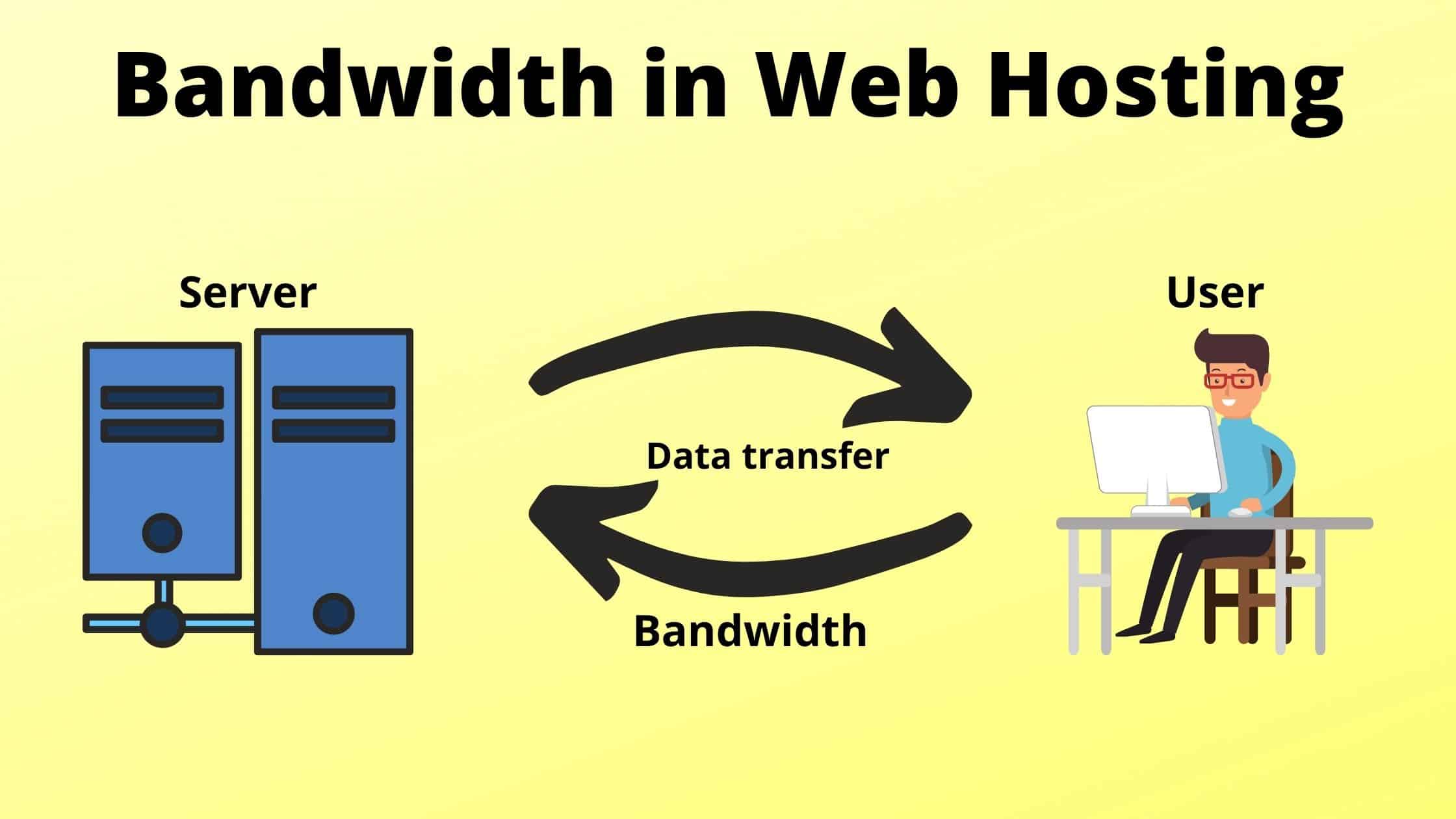
Bandwidth refers to the amount of data that can be transmitted over a connection within a specific timeframe, typically measured in megabits per second. It is commonly mistaken for speed. Nonetheless, bandwidth represents the quantity of information received per second, while speed pertains to the rapidity with which that information is transmitted, received, or downloaded.
Disk Space
Termed as disk storage, storage capacity, or disk capacity, disk space denotes the highest quantity of data that a disk, disc, or drive can hold. This capacity is typically expressed in MB (Megabytes), GB (Gigabytes), or TB (Terabytes). In the realm of web hosting, disk space pertains to the volume of data you can store on the webserver. The requisite space depends on the size of your website.
CPU
When a website is hosted on a server, the CPU (Central Processing Unit) takes charge of processing information requests and executing programs. The effectiveness of the CPU is directly proportional to its size, determining the volume of information it can handle without a decrease in performance. In scenarios with multiple requests to the CPU, each request is queued and addressed sequentially. Each request is allocated a fraction of a second of processing time before the subsequent request is attended to. Essentially, the CPU serves as the central intelligence orchestrating the entire operation.
SSL
SSL, which stands for Secure Sockets Layer, is the established technology for ensuring the security of your internet connection. It acts as a protective shield for any private or sensitive data transmitted between two systems, thwarting attempts by hackers to alter or access the exchanged information. This is achieved through the application of encryption algorithms, which effectively conceal the data, thereby preventing any potential leaks.
Managed/Unmanaged Hosting
To host your website online, a hosting plan is essential. When selecting a hosting plan, one of the decisions you’ll face is between managed and unmanaged hosting. Unmanaged hosting provides greater control over the server, allowing you to handle various tasks. On the other hand, with managed hosting, your hosting provider takes on responsibilities such as automated backups, updates, security scans, and maintenance, providing a more hands-off approach for the website owner.
Operating Systems
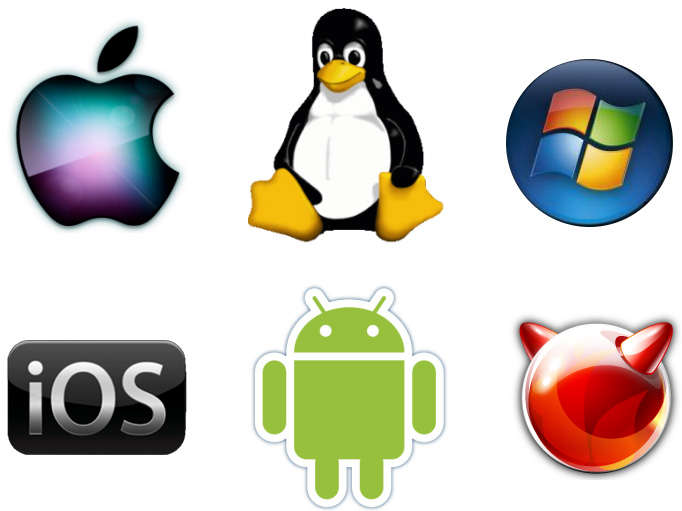
Operating Systems, such as Windows and Linux, serve as the intermediary between computer hardware and users. They are software that executes fundamental tasks, encompassing file management, process management, input and output handling, memory management, and the supervision of peripheral devices like printers and disk drives. Essentially, operating systems facilitate the interaction and coordination of various components to enable seamless computing experiences for users.
Uptime and Downtime
Uptime refers to the continuous, uninterrupted operational period of a hosting system. It quantifies the number of hours a server remains available and functional. While the optimal goal is 100% uptime, achieving this consistently can be challenging. Conversely, downtime is the contrasting scenario, representing a period during which a system, server, or network is inactive or inaccessible. Downtime may occur due to various factors such as cyber attacks, system crashes, system reboots, and other issues.
Control Panel
A Control Panel empowers users to efficiently oversee their web hosting environment, simplifying the management of various services. This encompasses tasks such as web hosting, mailboxes, DNS settings, server databases, and more. Monitoring is another crucial aspect of the Control Panel, enabling users to track the utilization of resources like memory, CPU, and bandwidth. Essentially, it facilitates the effective management of hosting packages. A Control Panel streamlines a wide array of tasks, including domain name management, creation and management of email accounts, installation of applications, and more.