
Hello all,
Today we will see about how to log in to cPanel, WHM & Webmail, Nowadays many Hosting service providers provides Cpanel for their customers. Let’s starts with cPanel login.
How to access cPanel :
To access cPanel, enter one of the following URLs in your preferred browser:
- https://192.168.0.1:2083 — Access cPanel over an encrypted connection with your IP address.
- https://yourdomainname.com:2083 — Access cPanel over an encrypted connection with your domain name.
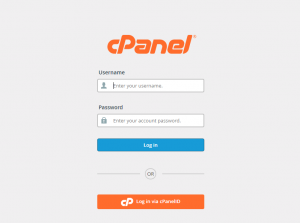
After accessing the URL the login page will be appear there you can enter the cPanel User name and Password and then click Log In.
How to access WHM :
To access WHM, enter one of the following URLs in your preferred browser:
- https://192.168.0.1:2087 — Access WHM over an encrypted connection with your IP address.
- https://yourdomainname.com:2087 — Access over an encrypted connection with your domain name.
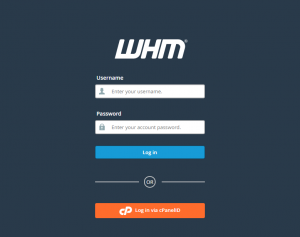
You can log in with one of the following methods
How to access webmail :
You can access Webmail directly through your browser or log in to Webmail through the cPanel interface
Access webmail through Browser :
- https://192.168.0.1:2096 -Access your Webmail over an encrypted connection with your IP address
- https://yourdomainname.com:2096 – Access your Webmail over an encrypted connection with your domain name
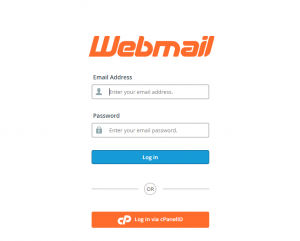
Enter your mailID that already created in the cPanel and enter the password to login to your mail account
Use webmail account through the cPanel interface
Follow the below steps to access your webmail through the cPanel interface
Login to your cPanel ==> Home ==> Email Accounts ==> Click Access webmail under the Actions column in the row that corresponds to the email account that you wish to access Webmail.